Interactive Chat
Start a conversation, give a command, and get an answer in the same chat.
Overview
Interactive Chat is how you work with JioAI Assistant. Open home or New Chat, type a question or command in the chat box, and click Send. The assistant replies in the same conversation, so you can follow up until the output is right. On the home screen, ready-made prompt suggestions sit below the chat box if you want a faster start — click a card, edit the text, then send.
End-to-end flow
A simple path to follow:
Open home or click New Chat → Type a question or command, or click a prompt suggestion → Edit names, dates, or details if needed → Click Send → Read the answer → Follow up in the same chat
How it works
Chat box:
Type a question or command in plain language, then click Send or press Enter. JioAI Assistant replies in the same chat.
Follow-ups:
Stay in the same conversation to refine the answer, ask the next step, or change the format — you do not need to start over.
Prompt suggestions:
Ready-made cards below the chat box cover everyday work such as summaries, emails, and planning. Click a card to place the prompt in the chat box, edit it to fit your situation, then send.
Optional:
Suggestions are optional. Type your own question from scratch whenever you prefer.
Tip:
Start with one clear ask — what you need and who it is for — then follow up in the same chat if you want more detail.
Walkthrough
1. Start chatting
On home, type a question or command in the chat box, then click Send or press Enter. JioAI Assistant replies in the same thread.
Ask in plain language — for example a summary, an email draft, or a list of next steps. Stay in this chat to follow up until the output is right.
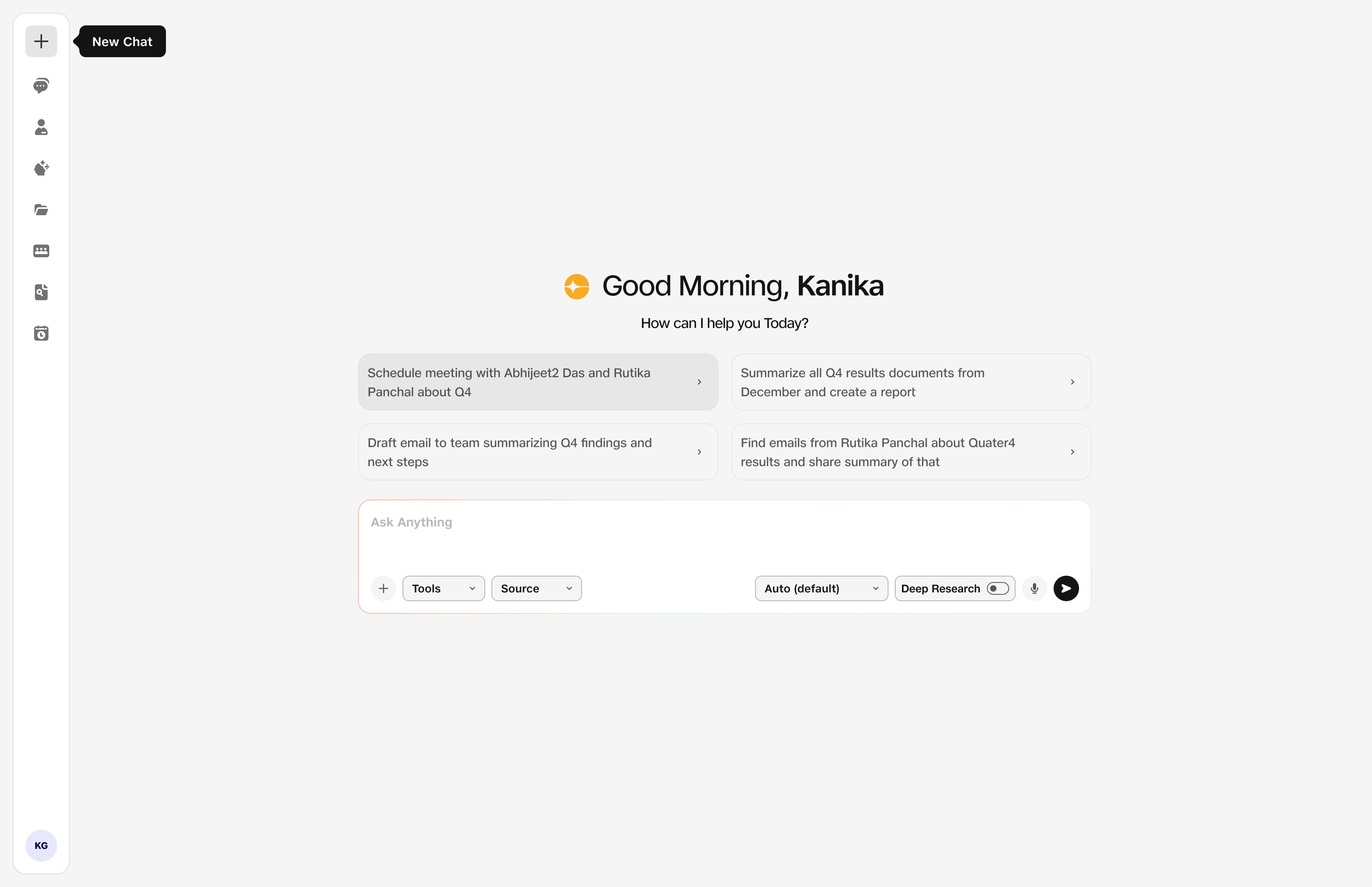
- Chat box: Type your question or command.
- Send: Get the answer in the same chat.
2. Use a prompt suggestion
Below the chat box, suggestion cards show short task titles and sample prompts. Click a card to fill the chat box, change any wording that does not fit, then click Send.
You do not need a perfect match — edit names, dates, or details after you click. Suggestions are optional if you already know what to ask.
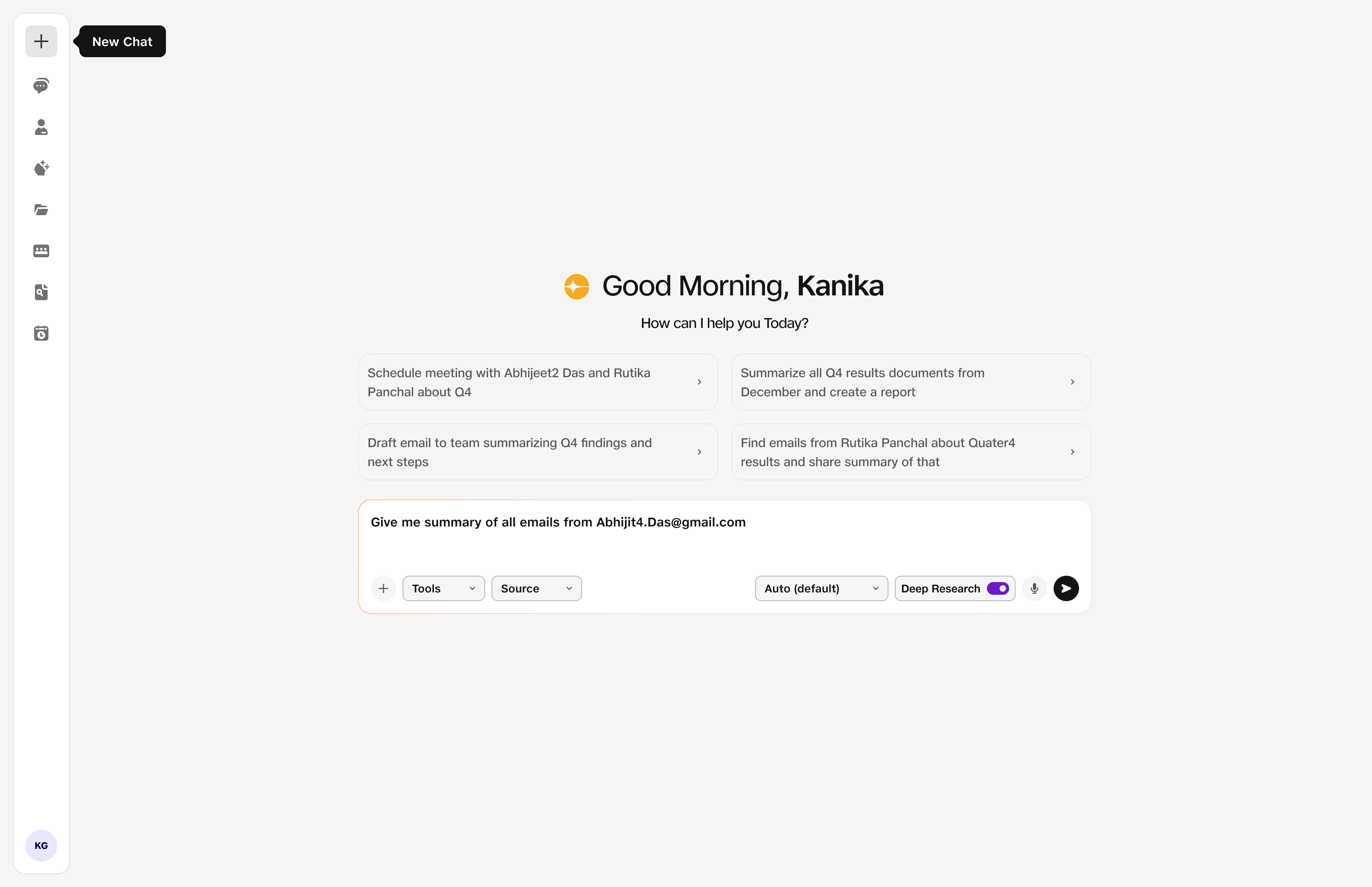
- Cards: Common work tasks ready to use.
- Edit: Personalise before sending.
- Send: Get your first answer.